
 Hosting service
Platforms and portals, E-Zone HRM Limited , 2026
Leave, balances and attendance for more than 1,300 outsourced employees in one system
A multi-employer leave and attendance system with accrual, carry-forward, an action plan before each request and a payroll report.
Overview
The E-Zone leave management system tracks leave, balances and attendance for the outsourced employees on E-Zone HRM Limited's payroll, more than 1,300 people placed at a large client. Employees apply and see their balance, supervisors approve, and payroll gets a report of unpaid days. We built it from October 2025 and run it.
The challenge. Leave for a large, placed workforce has to follow rules: how much accrues, what carries forward, who is eligible for which leave, and what happens when the balance runs out. Without a system those rules live in spreadsheets and arguments.
What we built. A multi-employer Laravel application with three levels of access (employee, employer and cockpit), a balance engine with accrual and carry-forward, an action plan that explains a request before it is sent, attendance with shifts and holidays, and a small program that reads biometric devices in the office.
The result. As of 15 October 2026 the system holds 1,466 registered staff, 1,272 of them active, all on E-Zone's payroll, and has recorded 12,418 leave requests so far in 2026. Balances, approvals and unpaid-leave deductions follow one rule set.
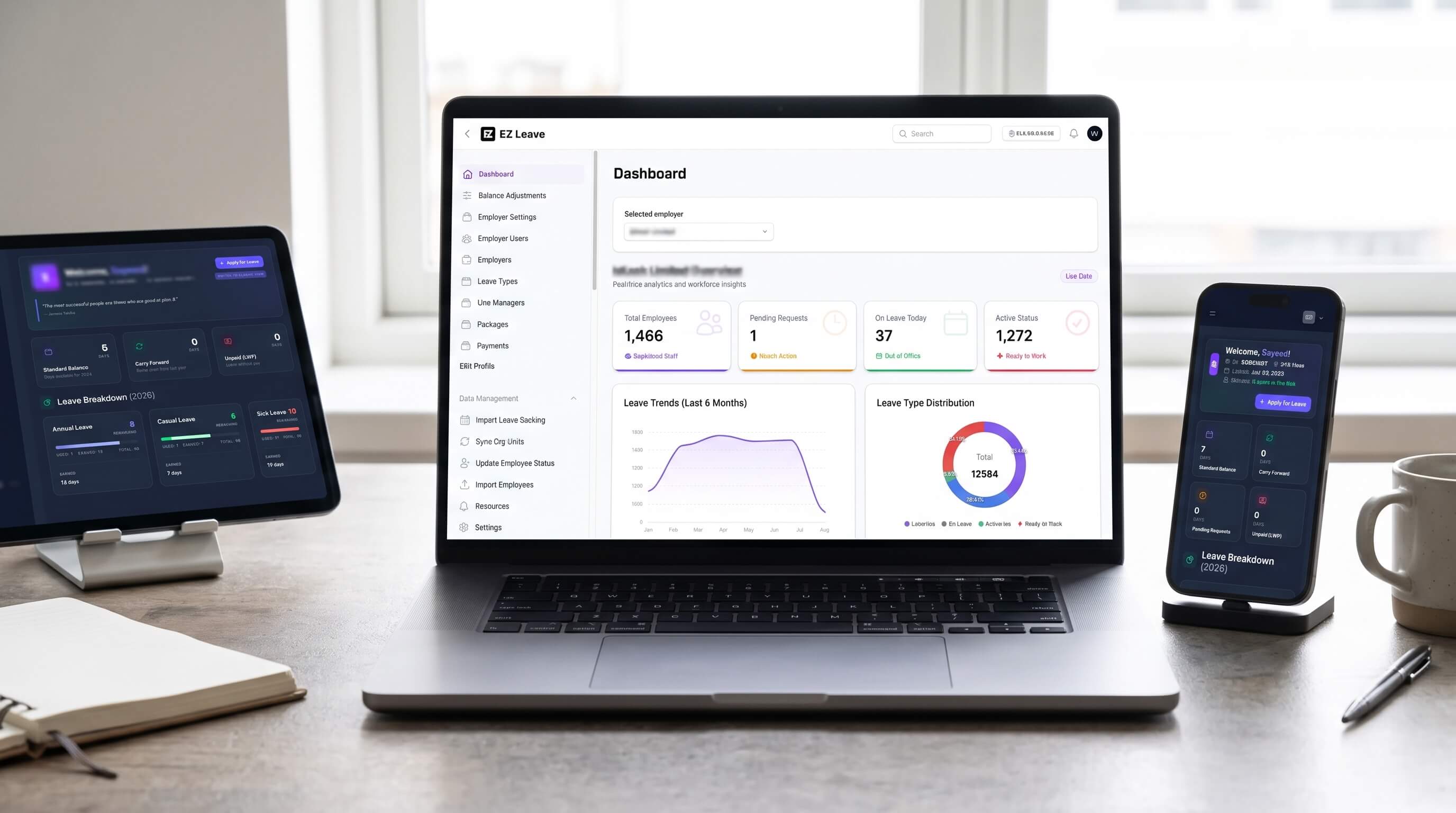
The employee dashboard with standard balance, carry forward, pending requests, unpaid days and a leave breakdown by type
The employee dashboard on a phone
Feature list
| Area | What users get |
|---|---|
| Employees | Self-service leave application, live balance, leave history, notifications and document upload |
| Leave rules | Accrual by month, quarter or year, carry-forward with limits, eligibility by employment type and balance adjustments with a history |
| Action plan | A green, yellow or red result before a request is sent: balance covers it, another leave type will be used, or the days will be unpaid |
| Approval | Supervisor and final approval, an alternative person to cover the absence, notifications by email and in the app, and reversal of an approved request with a notification |
| Attendance | Work shifts, holidays, attendance records and reconciliation, and a bridge program that sends punches from office biometric devices to the cloud |
| Organisation | Organisation units, line managers, employment types, imports from CSV and roles and permissions |
| Multi-employer control | Three panels, with each employer's data kept apart |
| Reports | Leave balance and utilisation reports, and an LWP and salary-deduction report with CSV export for payroll |
The apply leave form showing each leave type's allowance, accrued, spent and remaining days, and an action plan that says the balance is sufficient
The leave type editor with eligibility, accrual, wait period, pro-rata calculation and carry-forward rules
The development journey
1. The balance engine (October 2025 to January 2026)
Challenge. Leave rules are easy to state and hard to calculate: pro-rating, carry-forward and adjustments.
Solution. A balance engine with accrual, carry-forward and manual adjustments, leave type eligibility and a request workflow with approvals and notifications.
2. A workforce, not a list (February to May 2026)
Challenge. The system had to work for a large placed workforce organised in units under line managers.
Solution. Organisation units, line managers, employee imports, eligibility by employment type, utilisation and balance reports and accrual settings in months.
3. Payroll and hardening (June to October 2026)
Challenge. Payroll needs unpaid days, and a multi-employer system must never show one employer another's data.
Solution. An LWP and salary-deduction report, a reversal notification, clear warnings when a request exceeds the balance, and fixes for a cross-tenant access gap and a balance race condition.
Every leave type has its own rules. An administrator sets who is eligible by gender and employment type, the maximum days a year, when earning starts, how long a new joiner waits before use, whether documents are required, whether leave may be spent in the year it is earned, how the year is calculated and whether it carries forward. Nothing is hard-coded to one policy.
Employees can read the policy for themselves. A policy page lists each leave type with its limits, how it is calculated, whether documents are needed and whether the employee is eligible, so questions go to the page before they go to HR.
The leave policy page showing annual, casual, sick, maternity and unpaid leave with limits, calculation and eligibility
Requests leave a trail. The employee sees each request with its supervisor and final approval status, and a notification when it is approved or reversed.
A list of recent requests with supervisor and final approval status
Notifications telling the employee that leave requests were finally approved
An approver sees the whole picture. The take-action page shows the request, the employee's tenure and salary exposure, the dates and a comparison with the other leave types before the approver decides. A request that falls to unpaid leave is flagged with a clear warning that salary will be deducted, and an approved request can be reversed.
The take-action page for a leave request, showing request context, leave type comparison and an unpaid leave warning
The employer sees the workforce at a glance. One employer dashboard shows registered staff, pending requests, who is out today and the active headcount, with leave trends and a split by leave type. An administrator can switch between employers.
The employer dashboard with registered staff, pending requests, staff on leave today and leave trends
Reports answer the questions payroll and managers ask. Nine reports sit under leave management:
- Leave requests: every request with its status, ready to approve or review.
- Employees on leave: who is out, and when they return.
- Leave by weekday: which days of the week absence clusters on.
- Leave balance report: each employee's allowance, accrued, spent and remaining days.
- Leave balance summary: the balances rolled up by unit.
- Attendance gap report: days with no attendance and no leave to explain them.
- Presence calendar: who is in and out across the month.
- Leave utilisation dashboard: days lost, requests, average duration, peak month and the weight of each leave type.
- Leave liability report: the value of leave owed.
The leave utilisation dashboard with total days lost, requests, average duration, peak month, monthly absence and weight by leave type
The system explains itself. A docs centre inside the portal holds an employee guide with step-by-step help on checking a balance and applying for leave, plus guides for the employer and cockpit panels.
The in-app docs centre with the employee leave application guide
What changed for E-Zone and its clients
| Area | What we put in place | What it gives E-Zone |
|---|---|---|
| Leave | Accrual, carry-forward and action plans | 1,466 registered staff apply in one place, 12,418 leave requests recorded in 2026 so far (15 October 2026), and balances follow one rule set |
| Approval | Supervisor workflow with notifications | Requests, approvals and reversals leave a trail |
| Payroll | An LWP report with CSV export | Payroll gets unpaid days per month and organisation unit without recalculating |
| Safety | Scoped access per employer and organisation unit | Employees and employers see only their own data |
Engineering by the numbers
From 16 October 2025 to 1 October 2026 the history records 127 commits after the first, adding about 51,500 lines of authored code and removing about 9,300. The effort is estimated at about 520 hours, or roughly 65 working days, with a range of about 280 to 1,330 hours. The estimate is derived from commit size, not time sheets.
What it adds up to
E-Zone now runs leave for a large placed workforce with rules the system enforces, a trail for every decision and a report payroll can use.
More work
E-Zone HRM Limited · Platforms and portals
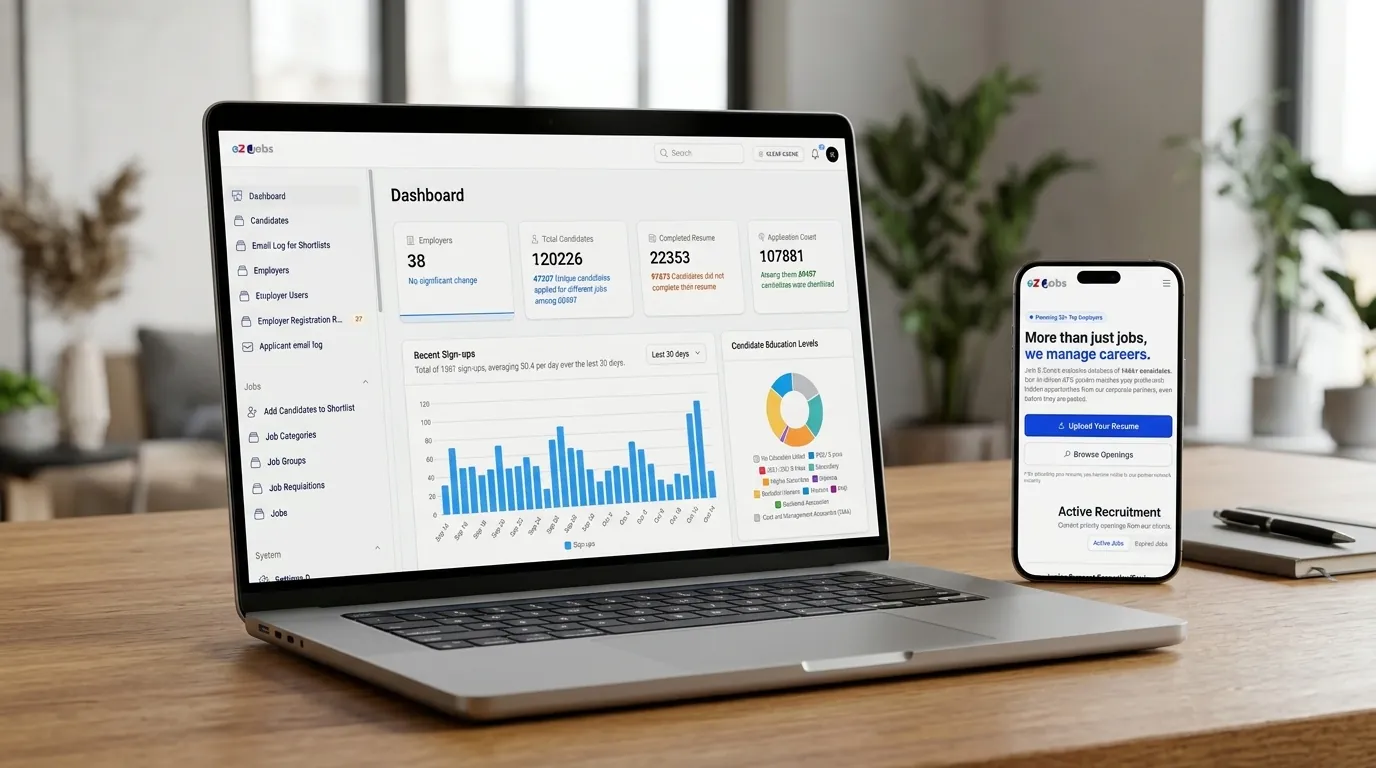
A job portal that holds more than 120,000 candidates and runs every shortlist
EZ Jobs BD: a job portal and applicant tracking system where candidates build resumes and apply, and employers and recruiters review, shortlist and invite.
- Laravel
- Livewire
- Filament
- Tailwind CSS
Bayanno.com · Platforms and portals, 2024
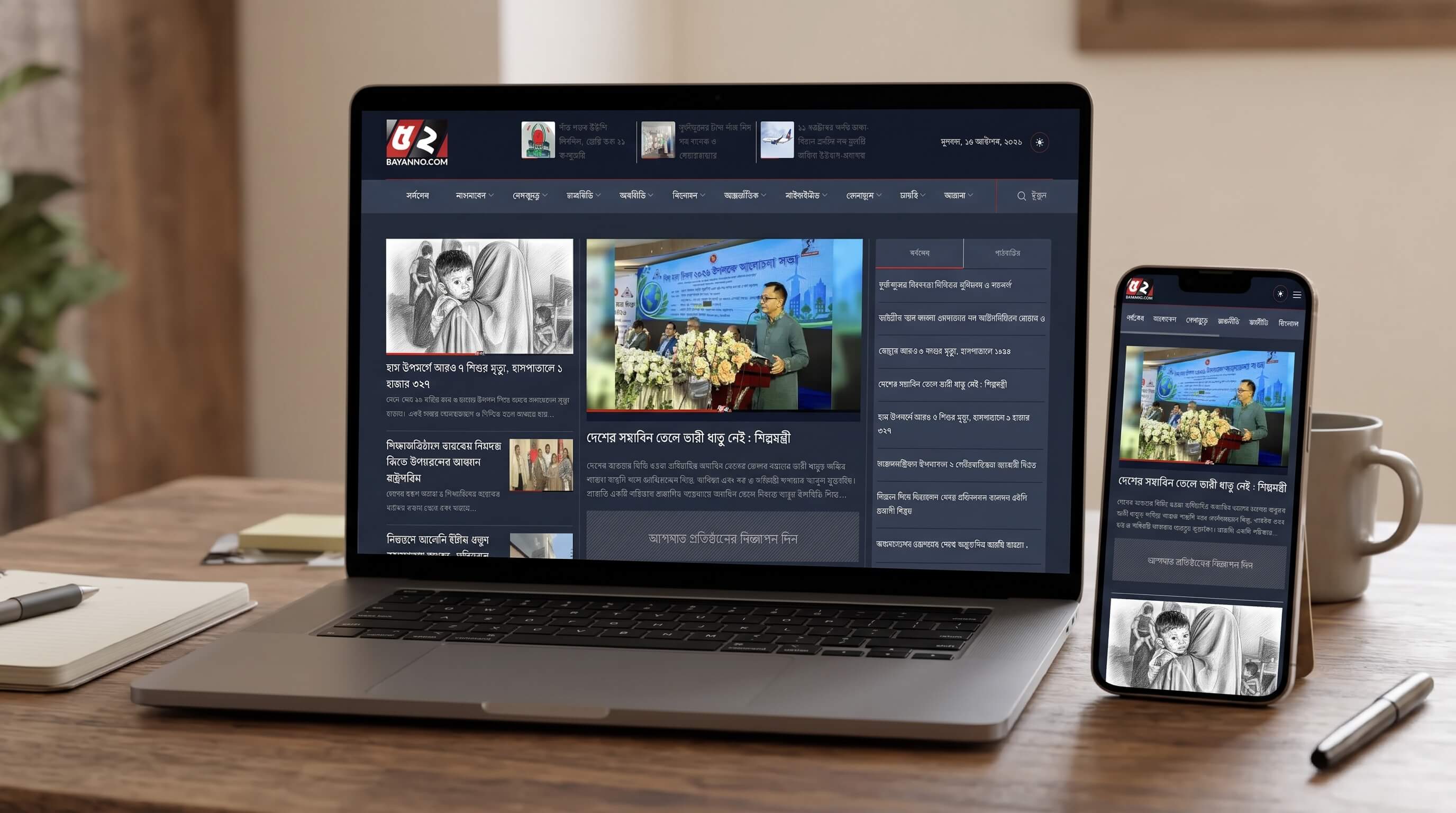
Rebuilding an abandoned news site into a Bengali portal we now run
A Bengali-language news website with a deep category structure, video reports and district news.
- Laravel
- Filament
- Livewire
- Tailwind CSS
Tell us what you want to build
A short message is enough. We reply within one working day with questions or a next step.